 Body
Body
 Beard
Beard
 Hair
Hair
 Gifts and Gear




 VERIFIED BUYER
 All Body
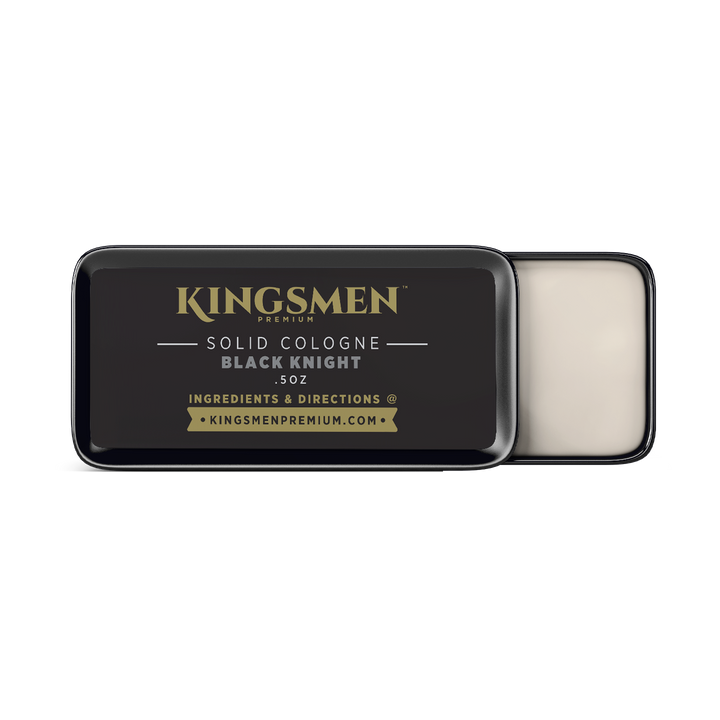
 Solid Cologne
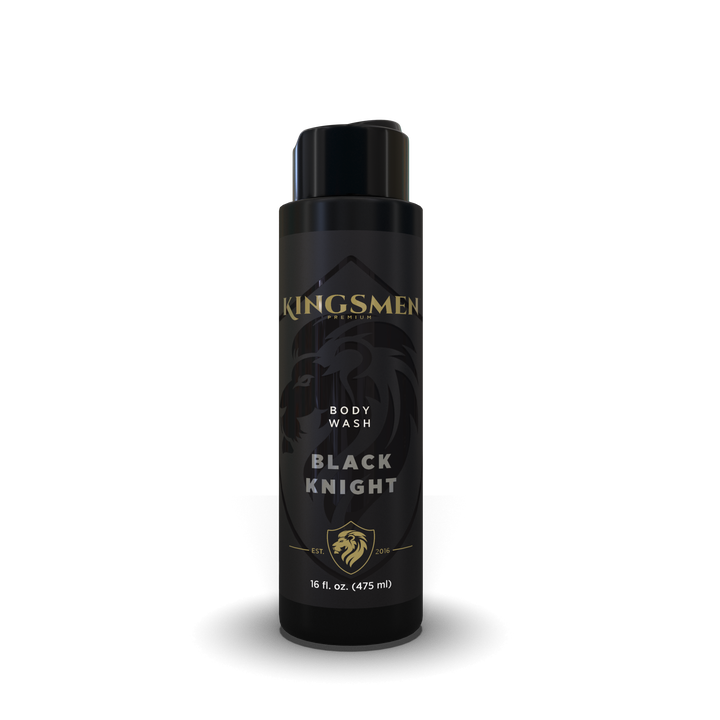
 Body Wash for Men
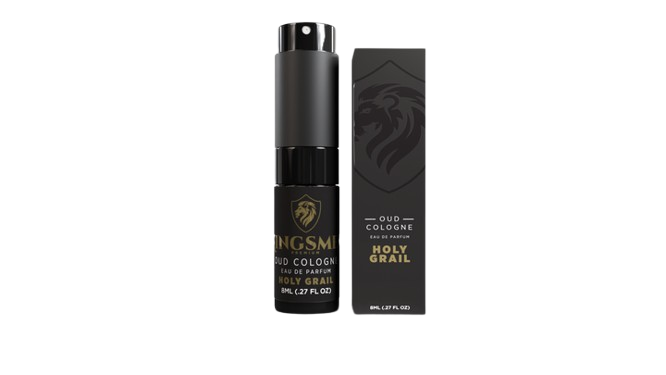
 Holy Grail Oud Spray Cologne
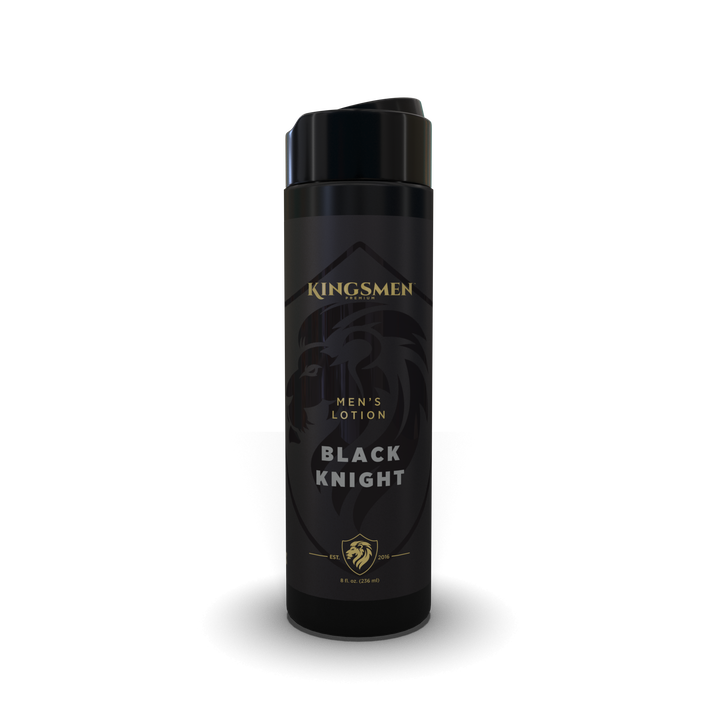
 Men's Lotion
 All Beard
 Beard Care Kits
 Beard Oil
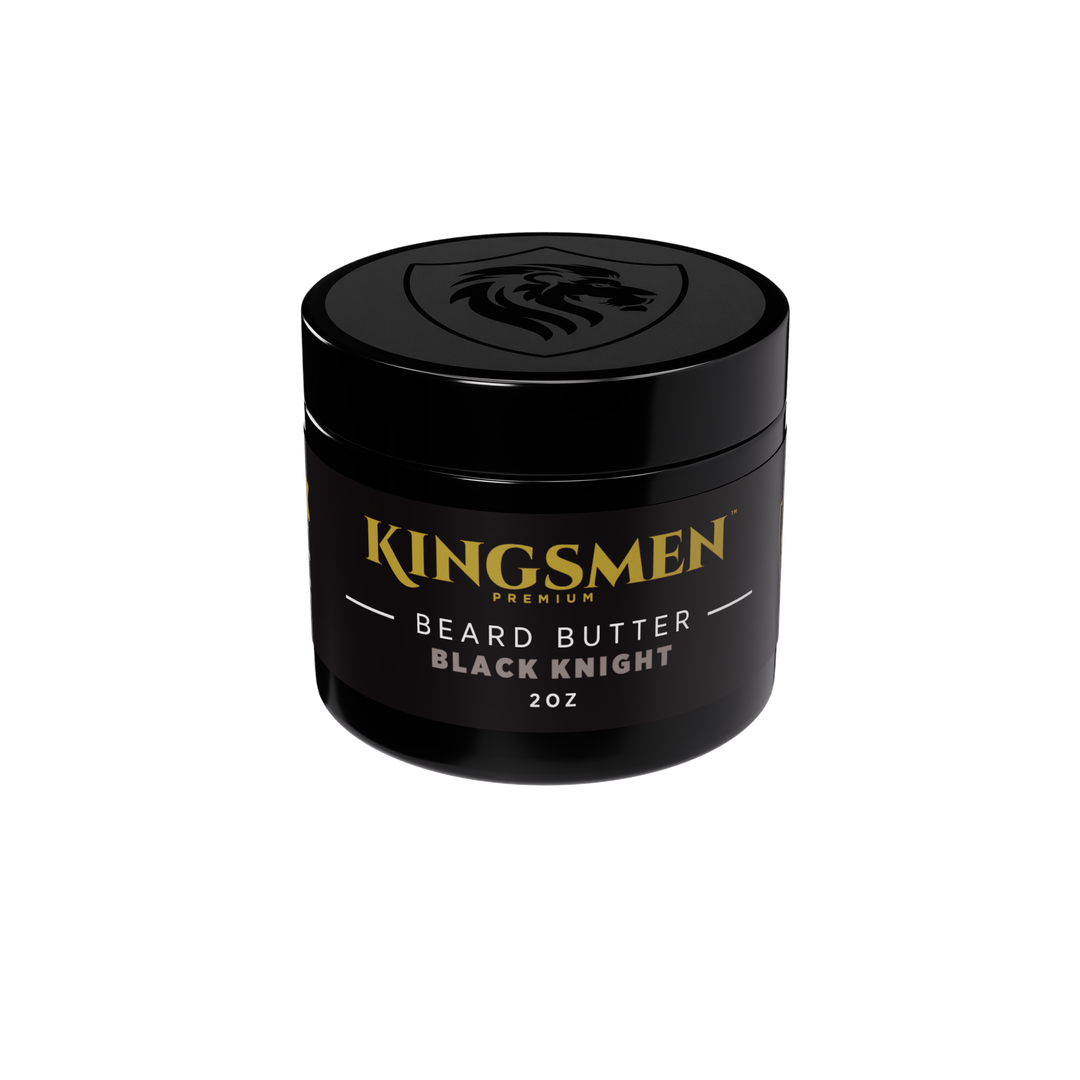
 Beard Butter
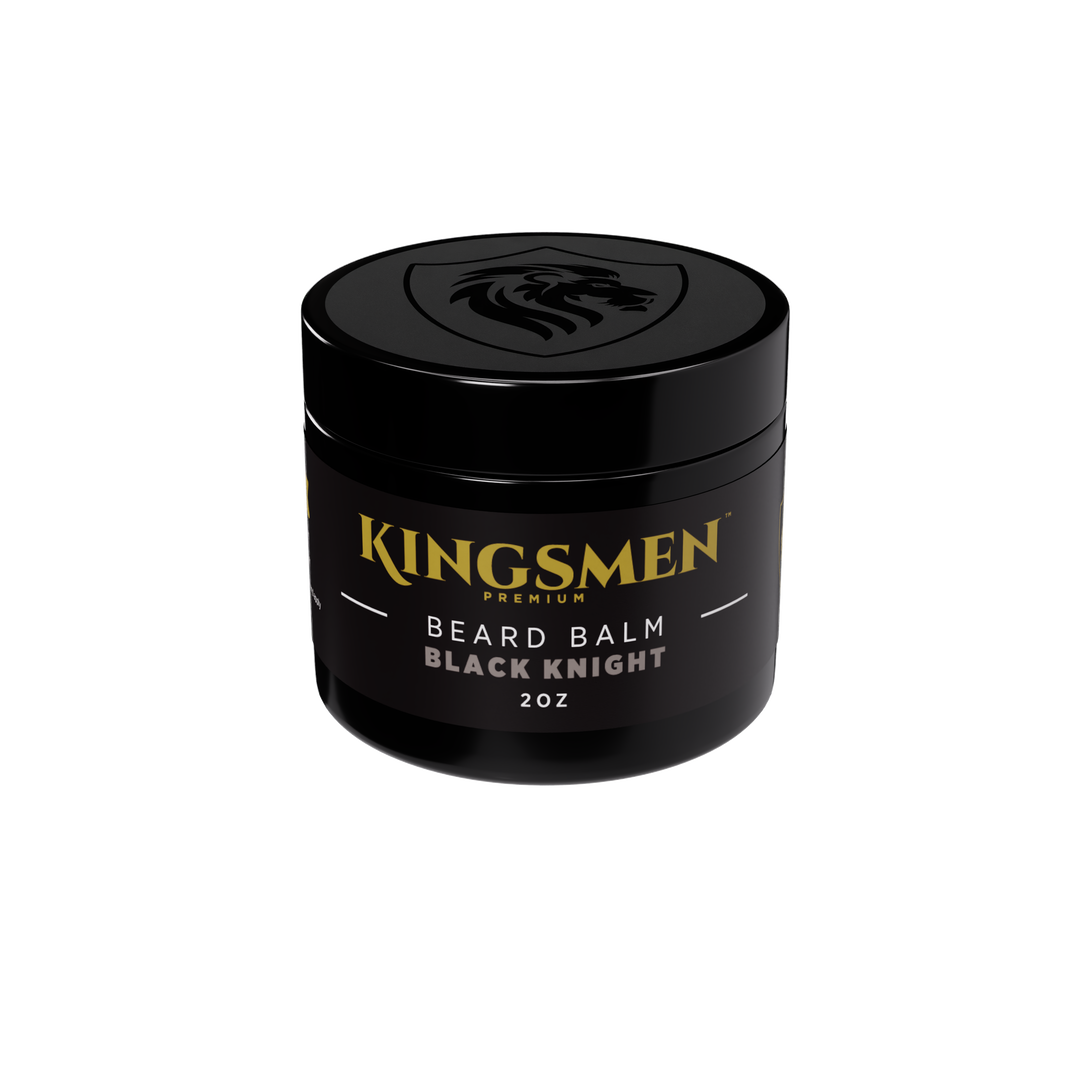
 Beard Balm
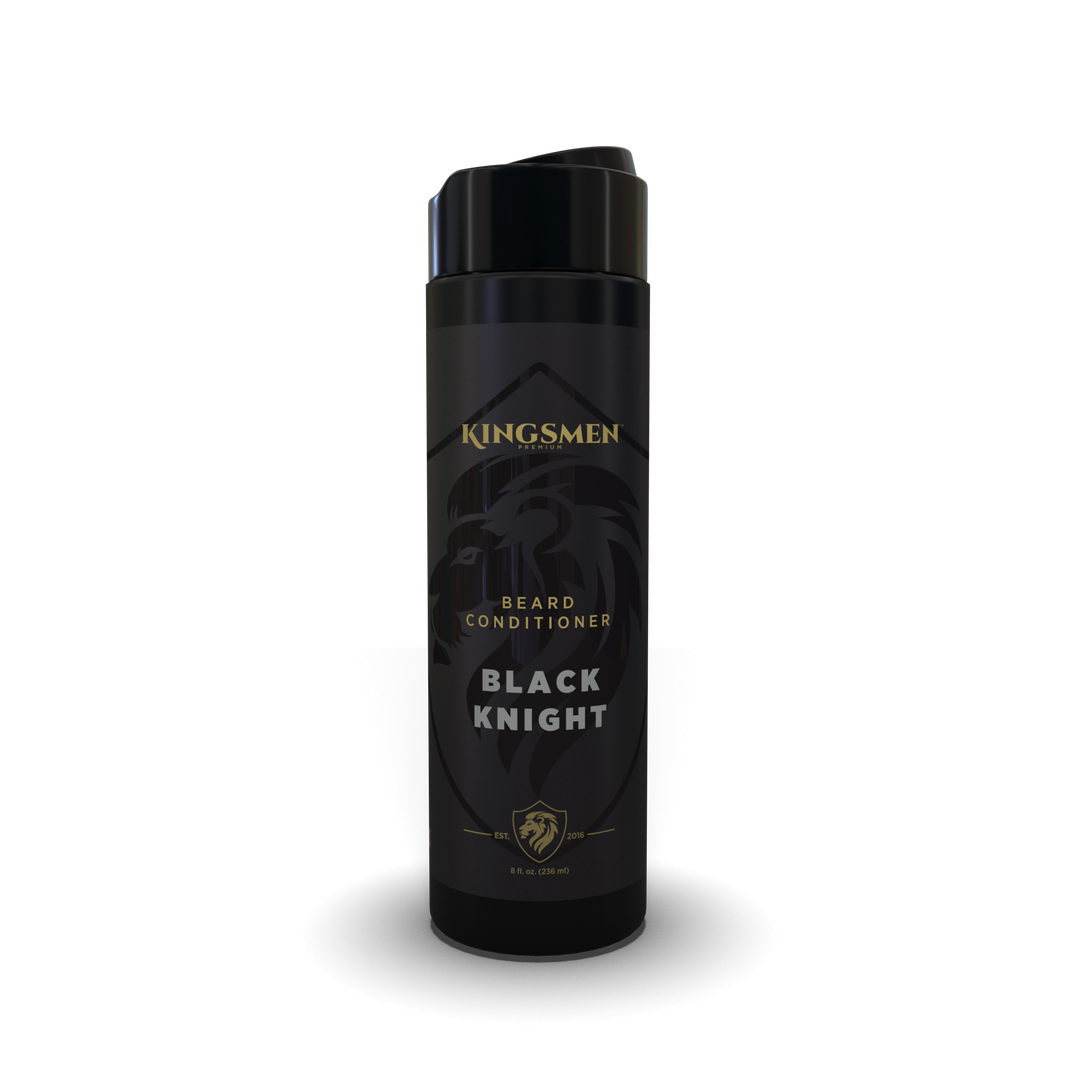
 Beard Conditioner
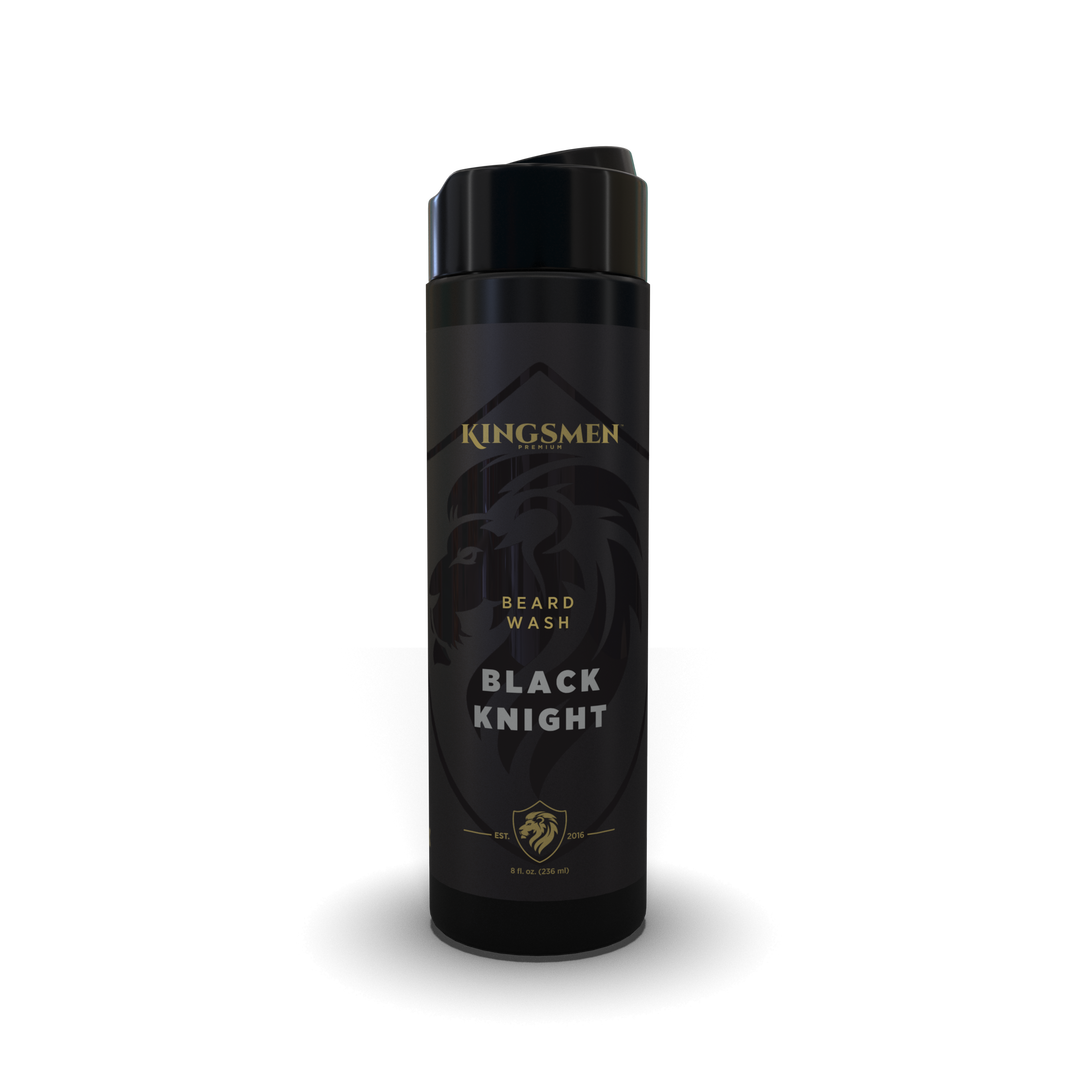
 Beard Wash
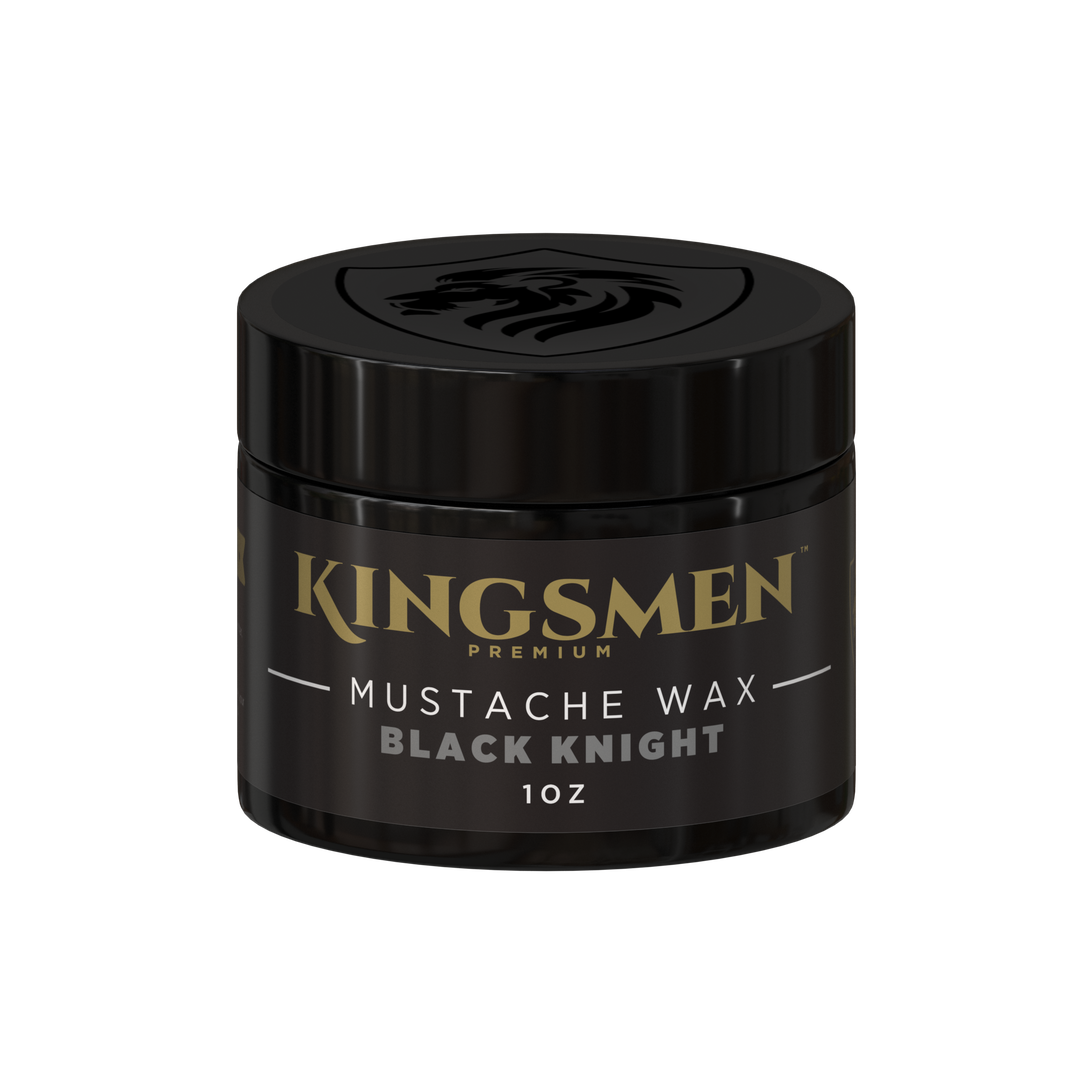
 Mustache Wax
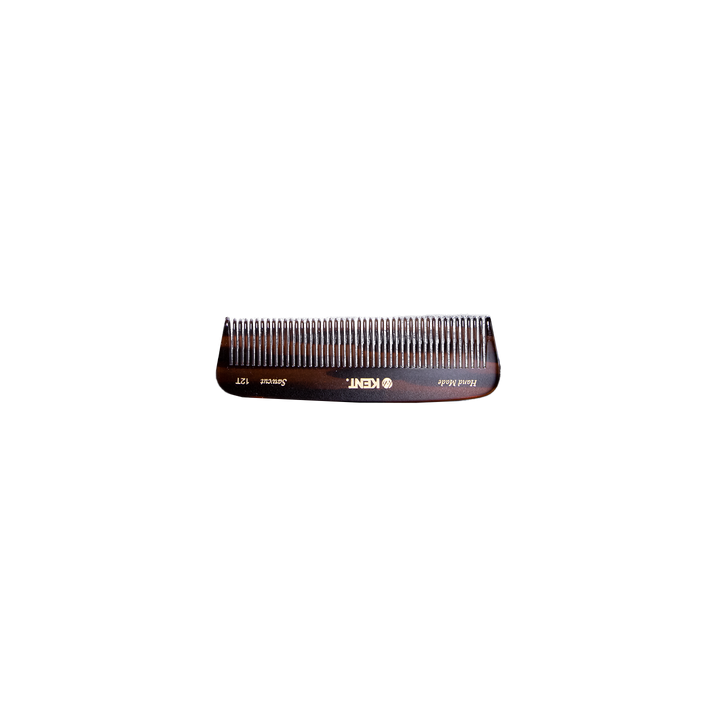
 Kent Combs and Brushes
 Monthly Scent Program
 All Hair
 All Gifts and Gear
 Gift Ideas
 T-Shirts
 Hats
Hats
 Hoodies
 Long Sleeves
 Accessories


Data Deletion Instructions
Kingsmen Premium uses Meta's Instagram and Facebook messaging tools to read and reply to direct messages sent to @kingsmenpremium and our Facebook Page. To ask us to delete the data we hold about you from those messages:
1. Email support@kingsmenpremium.com with the subject "Data deletion request".
2. Include the Instagram or Facebook username you messaged us from, so we can find your data.
3. We'll confirm we received your request within 3 business days. We'll then delete your message data and related notes from our internal tools within 30 days and email you when it's done, with a reference number for your request. If we must keep anything for legal reasons, such as records tied to a purchase or a paid collaboration, we'll tell you what and why.
You can also remove our app's access from your Facebook account at any time: go to Settings & Privacy > Settings > Apps and Websites.
Deleting data from our systems does not delete the messages in your own Instagram or Facebook inbox. You can delete those in the Instagram or Facebook app.
Questions: support@kingsmenpremium.com